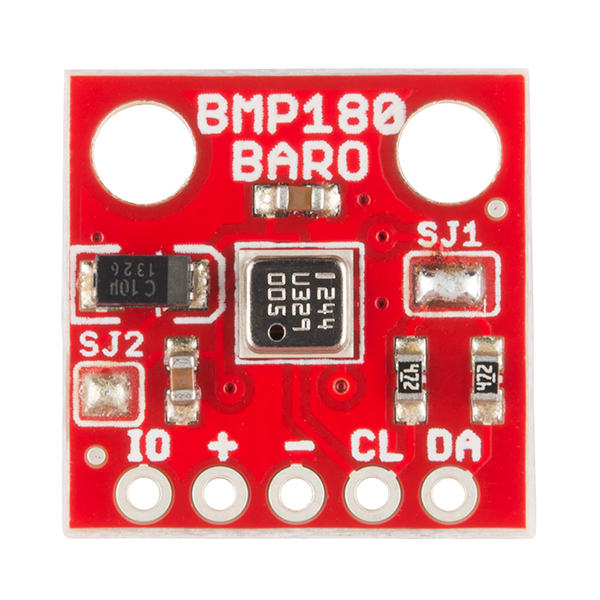
BMP180
Environment - BMP085/180 NORMAL CLIMATE
Introduction
- Specifications:
Temperature (-40C to +85C)
Barometric pressure (300-1100 hPa)
Wiring
ESP               BMP180
GPIO (4)   <-->   DA (SDA)
GPIO (5)   <-->   CL (SCL)

Power
3.3V       <-->   + (plus)
GND        <-->   - (minus)
Note
If you have change the I2C settings in the hardware setup you need to connect to those instead of GPIO 4 and 5.
Note
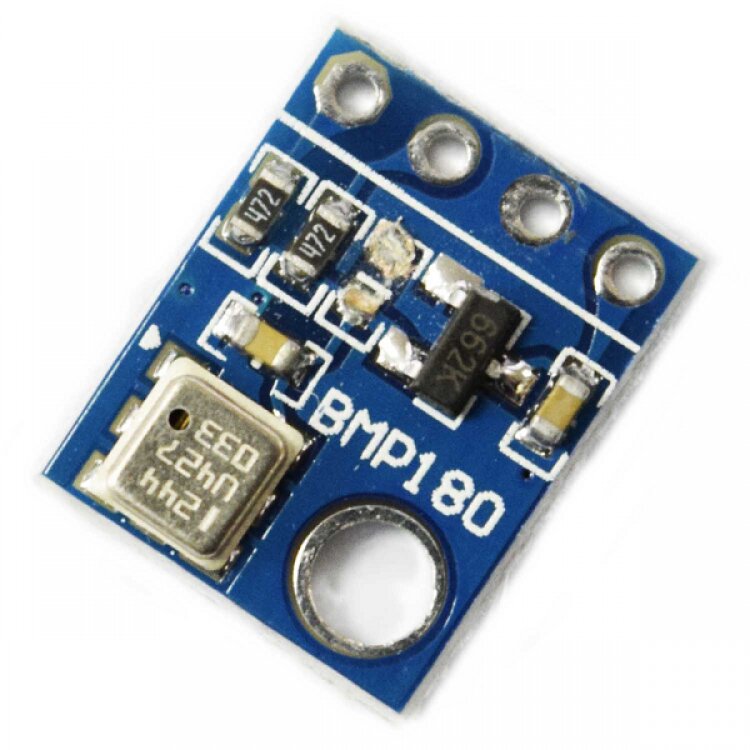
Only use 3.3V BMP085/180 boards. The ESP pins are not 5V tolerant. Depending on the make of the BMP085/180 board, pull-up resistors on SDA and SDC may be absent. 4k7 types are fine. When more I2C devices are being used, only one set of pull-up resistors is required or even allowed. It may be necessary to add a ceramic 100nF capacitor across the power lines, close to the BMP085/180 board.
Setup
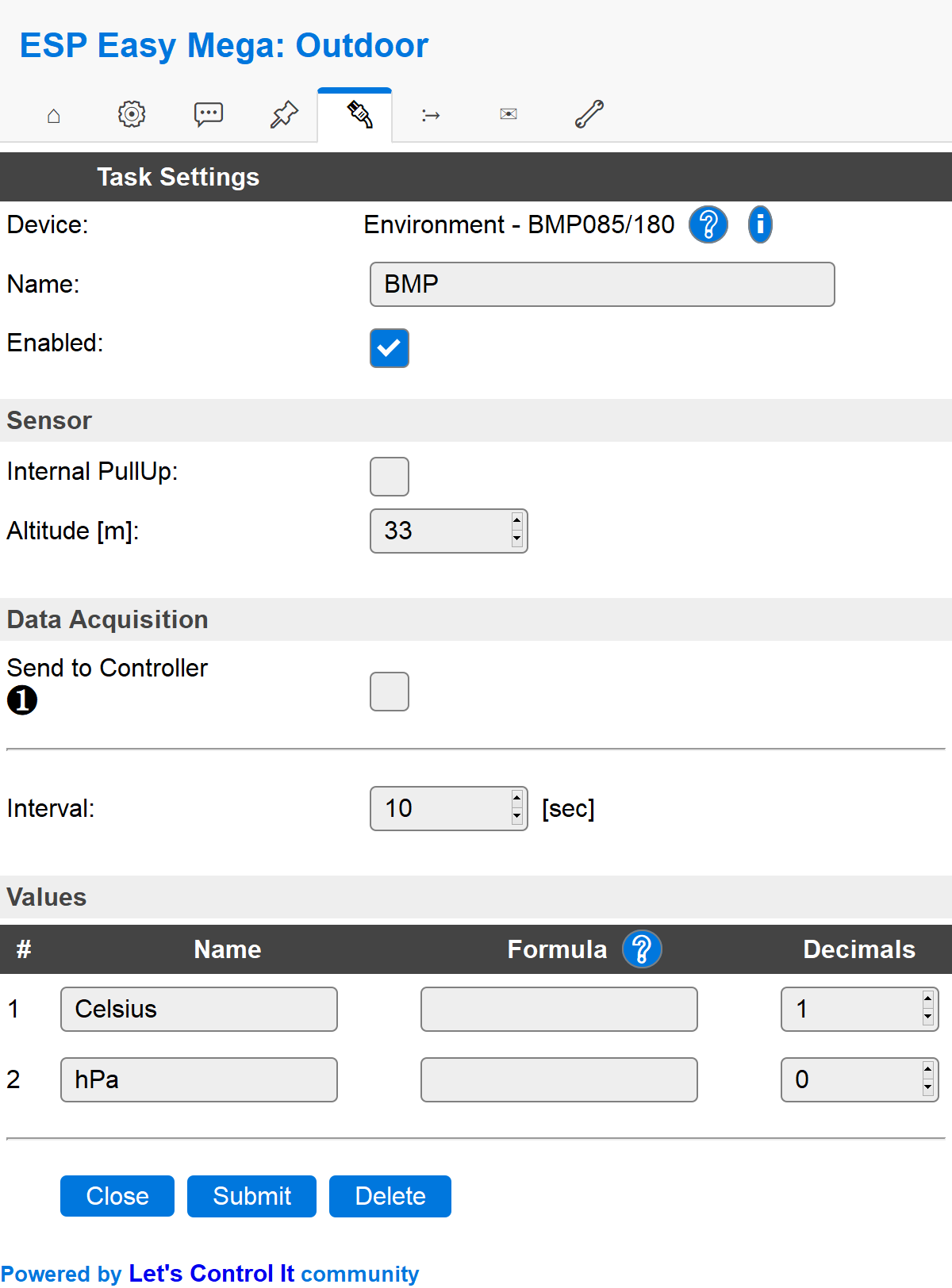
Task settings
Device: Name of plugin
Name: Name of the task (example name BMP)
Enable: Should the task be enabled or not
Sensor
Altitude: Set the level above sea for your unit. This is done in order to get a correct pressure value.
Data Acquisition
This group of settings are standard available configuration items.
Single event with all values: When this setting is enabled, all available values will be sent in a single event
<TaskName>#All, with all values in order as arguments to the event.Show derived values: When checked, the Devices overview page, and the
/jsonendpoint (used for updating the Devices overview page) will include any Derived values as defined. See theTaskValueSetDerivedandTaskValueSetPresentationcommands.Event & Log derived values: When checked, the Derived values will be generated as Events, to be handled in Rules, and sent to logging devices like the Syslog server and/or SD-card logging.
(The derived values options are only available if String variables feature is included in the build.)
Send to Controller: Select the Controller(s) to send the Values to, either on a
TaskRuncommand applied to the task, or on an Interval time action.
Send to Controller is only visible when one or more Controllers are configured.
Depending on the controller capabilities, some configuration settings may be shown:

All configured Controllers are shown here, including the enabled or disabled state (multiple Controllers can be enabled, only a single MQTT Controller can be enabled at one time!).
For each controller the user can select wether the data should be sent on each Interval (or explicit TaskRun).
For the Domoticz controllers the value index (IDX) has to be configured.
For some controllers, like Home Assistant/openHAB, there are extra options available.
Group: This represents the group id to combine all values from multiple tasks into a single grouped-device during MQTT AutoDiscovery. Groups, by design, can span multiple ESPEasy devices, if desired, as long as the Task/Valuename combinations are unique. If a group should only combine Tasks from a single ESPEasy unit, the group id should be unique across multiple ESPEasy units. The group description, default Group <n>, can be adjusted in Home Assistant. If the Group value matches the current Unit nr, the Unit name,
%sysname%, is used instead of Group <nr>.Retained: For MQTT Controllers, this setting can be enabled to send the values for the current task with the Retain flag set. The Publish Retain flag in the Controller settings will override this by sending all task values with Retain flag enabled.
Send derived: This checkbox determines if any configured Derived values should also be sent to the controller (and included in the AutoDiscovery if that’s available and enabled).
Resend MQTT Discovery: When checked, will start a resend of the MQTT Discovery process for this task after a random delay, when Submit is clicked, so any changed settings will be updated in the MQTT broker. This setting is only available if the controller is enabled, the Auto Discovery feature is available and enabled for the controller. This setting is not stored.
Other controllers, like f.e. FHEM HTTP, do not support additional settings besides the checkbox to enable sending the data.
Interval: How often should the task publish its value (5..15 seconds is normal).
Indicators (recommended settings)
Indicator |
Value Name |
Interval |
Decimals |
Extra information |
|---|---|---|---|---|
Temperature |
Celsius |
10 |
1 |
|
Pressure |
hPa |
10 |
0 |
Rules examples
on BMP#hPa do
 if BMP#hPa>999
   Publish,%sysname%/pressure,Is normal
 endif
endon
Where to buy
Store |
Link |
|---|---|
AliExpress |
|
Banggood |
|
eBay |
$ = affiliate links which will give us some money to keep this project running, thank you for using those.
More pictures